How to Write AI Video Prompts in Malaysia: A Shot-by-Shot Workflow
Short answer: a strong AI video prompt describes one shot: the subject, visible action, setting, camera, light, duration or aspect ratio, and the few constraints that protect meaning. Malaysian beginners get better results by planning the storyboard first, generating small variants, then adding accurate text, captions, product details and calls to action in a normal editor.
AI video tools are changing quickly. Current official documentation shows that products may support text-to-video, image guidance, camera controls, short clip generation, suggested scripts or audio, but availability and limits depend on the exact service, account and date. That is why this workflow focuses on durable production decisions rather than promising that one interface will always look the same.
Why one-shot prompts work better
A common beginner prompt tries to create a complete advertisement in one generation: introduce the shop, show the product, include a testimonial, display the price and end with a URL. The model must solve too many subjects, motions and text elements at once. Even when the result looks polished, a product can change shape, a hand can behave strangely or generated lettering can be wrong.
Split the idea into visual jobs. A fifteen-second clip might use a two-second hook, a four-second product context, a four-second useful action, a three-second verified proof point and a two-second CTA. Each shot can then be generated, filmed or designed separately. If one fails, replace it without rebuilding the whole sequence.
The seven-part AI video prompt
1. Subject
Name the main visible subject in concrete terms. Instead of “a premium local product,” write “an unbranded kraft gift box with a coral ribbon.” If an actual pack must be accurate, use authorised real footage or an approved reference and inspect every frame.
2. Action
Choose one observable verb: turns, opens, pours, folds, walks, points or glances. The action must fit the clip length. “Hands enter slowly and rotate the box once” is easier to judge than “make the product feel dynamic.”
3. Setting
Describe only details that matter to the message: pale wood worktable, warm window light, tidy neutral studio. Avoid decorative Malaysian symbols that do not serve the audience. Local relevance should come from the real problem, accurate language, truthful offer and appropriate examples.
4. Camera
Select a shot size, angle and one camera behaviour. For example: close shot at table height, locked camera; or medium shot with a slow push-in. Conflicting instructions such as orbit, zoom, pan and handheld chase in five seconds usually create confusion.
5. Light and visual conditions
Set the mood with testable language: soft morning light from the left, natural contrast, teal and warm coral accents. Keep style secondary to subject and action. A cinematic adjective cannot repair an unclear brief.
6. Format
Specify vertical, square or landscape when the tool allows it, plus the approximate duration. Plan caption and interface safe zones. Always inspect the exported file on a phone because platform controls can cover a lower-third or CTA.
7. Constraints
List the few failures that would make the shot unusable: no visible logos, no readable generated labels, no changing product shape, no extra objects and no text inside the scene. Add correct text later in an editor.
A practical prompt pattern
Shot purpose: [what this shot helps the viewer understand]. Subject: [one concrete subject]. Action: [one visible action]. Setting: [necessary environment]. Camera: [shot size, angle, one movement]. Light: [direction and mood]. Format: [aspect and duration]. Continuity: [two or three stable anchors]. Avoid: [material failure conditions]. No text or logos in the generated scene.
For an invented Selangor gift seller, a test prompt could ask for a close vertical shot of a plain kraft gift box with a coral ribbon on a pale wood counter, hands entering slowly to rotate it once, locked camera, warm left-side window light, four seconds, no text, no logos and no changing ribbon colour. The real branded box, price and delivery details should be added from approved product assets.
Change one variable between versions
Save the prompt and settings, then alter only one item: camera motion, action or light. Compare message fit, motion quality, continuity, defects and ease of editing. If every variable changes, you cannot learn why one result improved. Keep a small variant card with output ID, prompt change and decision.
Build a reality boundary
Before generation, label each scene as real capture, generated illustration, stock media, screen recording, graphic or editable text. A generated atmosphere clip can suggest a mood; it does not prove that a property, event, product result or customer exists. Use real, authorised evidence where authenticity is the claim.
Malaysia’s official AI guidance highlights privacy, security, transparency and accountability. The official personal-data portal provides current legislation and guidance. Do not upload customer, employee, learner, health, identity or confidential material simply because a video tool accepts images or files. Use synthetic practice assets and obtain appropriate current advice for sensitive uses.
Review more than visual quality
Run four reviews. First, check facts: every spoken or written claim needs a current source and owner. Second, check frames: look for changed products, strange hands, false text, unsafe action and misleading locations. Third, check rights and consent for people, voices, music, brands and references. Fourth, ask a cold viewer what they believe is real and what the product will do.
Technical provenance information can help describe origin and edits, but it is not a complete truth test and may not survive every workflow. Keep the brief, input register, prompt log, claim ledger, editable master, approved export and checksum.
When not to generate the shot
A production workflow is stronger when it includes a clear non-AI route. Use real footage when the viewer needs to see the actual product, property, person, process or event. Use a screen recording when the interface itself is the subject, but work in a test account with synthetic data. Use a still graphic when exact text, numbers or sequence matters more than movement. Use licensed stock media when a generic real-world scene communicates clearly and its rights fit the channel. Choosing one of these options is not a failure of creativity; it is a decision to match the medium to the evidence.
Set a stop condition before generation, such as two controlled attempts for a constrained shot. If hands remain unsafe, a product keeps changing or a local detail is materially wrong, replace the clip. This protects the schedule and prevents a team from publishing a weak result merely because it has already spent time on it.
Malaysia-focused caption and language checks
Auto-captions are drafts. Correct Malaysian names, Bahasa Malaysia, English code-switching, punctuation and line breaks. Preserve official names and confirm terminology with the responsible organisation; PRPM can help with language reference. Test the video silently and test the audio without visuals. If two language versions make the same offer, compare every price, date, qualifier and CTA.
A beginner release checklist
- One viewer, one outcome and one next action are explicit.
- Every shot has one job and a non-generated fallback.
- Reference files, people, voices and music have a documented safe route.
- Factual text is added in editing from verified sources.
- Captions match the final audio and fit the phone frame.
- Every frame has been reviewed around cuts, hands, products and signs.
- The thumbnail, description and disclosure do not overstate reality.
- The CTA opens the correct live page.
- A named person approved the exact export and can correct or remove it.
AI output may be incomplete, outdated, biased or wrong. Do not publish when a critical fact, consent, right or safety question remains unresolved.
Frequently asked questions
What is the best AI video prompt length?
Use enough words to define one shot clearly. A shorter observable prompt usually beats a long paragraph containing several scenes and contradictory camera directions. Add only constraints that protect meaning.
Should I include dialogue in the same prompt?
Only if the current tool supports it and the line is locked, authorised and simple. Review pronunciation and meaning. For important factual copy, separate narration or editable captions give you more control.
Can I generate my real product?
You can test authorised references where the tool and rights permit, but inspect every frame. If size, colour, packaging or performance matters, real footage is usually the safer evidence.
What if the output keeps failing?
Name the failure, simplify the scene, reduce simultaneous motion and change one variable. Stop after a reasonable test budget and use a real clip, still graphic or simpler shot when that communicates more truthfully.
Start with a complete production system
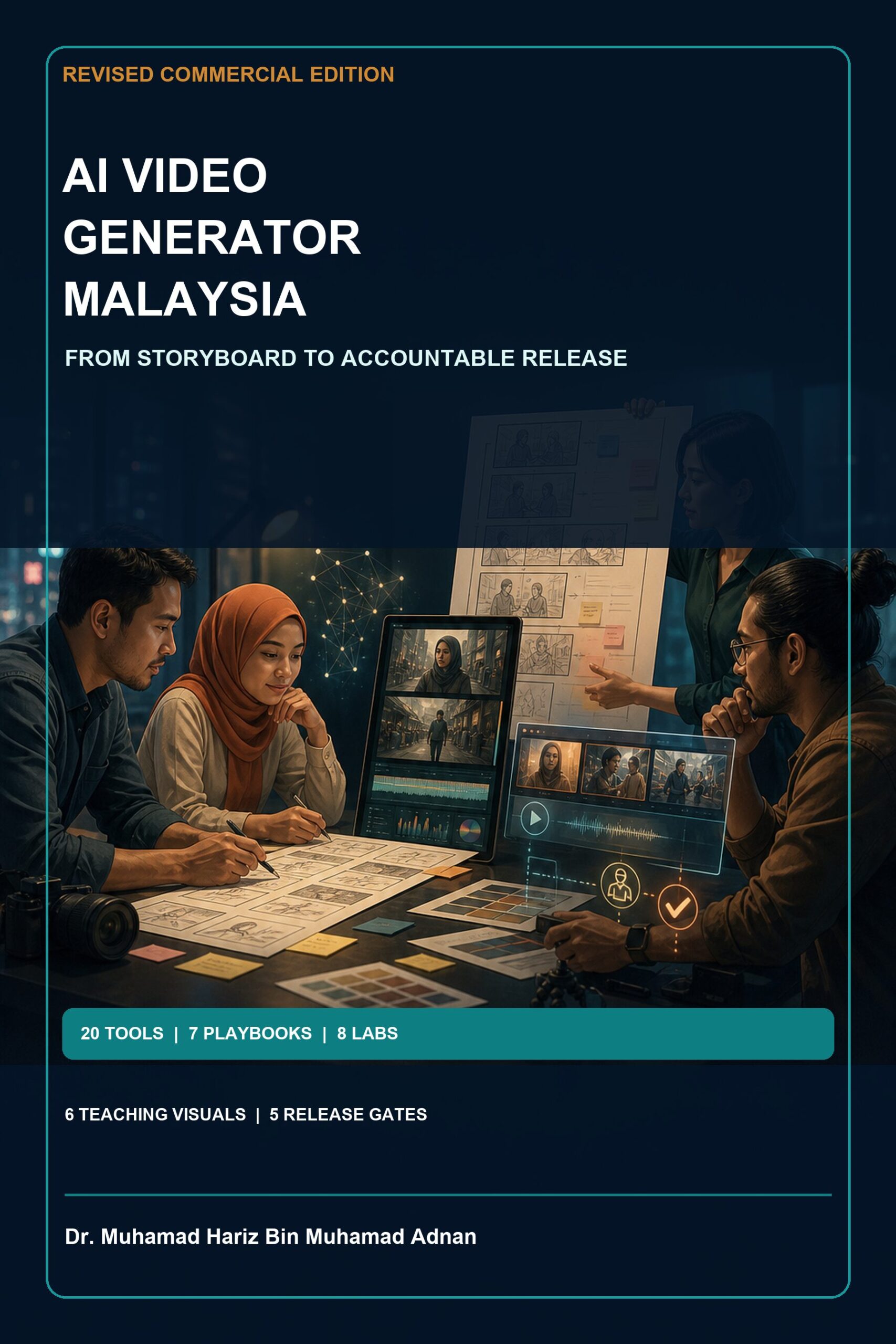
If you want the storyboard, prompt cards, continuity tools, claim ledger, rights checks, eight labs, Malaysian role playbooks and fourteen-day plan in one guide, see AI Video Generator Malaysia: Revised Commercial Production Field Guide.
Final CTA: Get the complete AI Video Generator Malaysia PDF ebook for RM9.99 and build your first short video with a reviewable, responsible workflow.
Current official sources
- Malaysia National AI Office – Practical Guide to AI Governance and Ethics
- Malaysia National AI Office – Privacy and Security
- Personal Data Protection Commissioner – Act and current materials
- Canva – AI Video Generator
- Google Cloud – Veo video generation documentation
- Adobe Firefly – Generate videos using text prompts
- C2PA technical specifications
Sources rechecked 20 August 2026. Features, availability, plans, policies and guidance can change; verify the current official page for your account and use.
Author: Dr. Muhamad Hariz Bin Muhamad Adnan