Product Photo Checklist Malaysia: 15 Checks Before You Publish an AI-Assisted Image
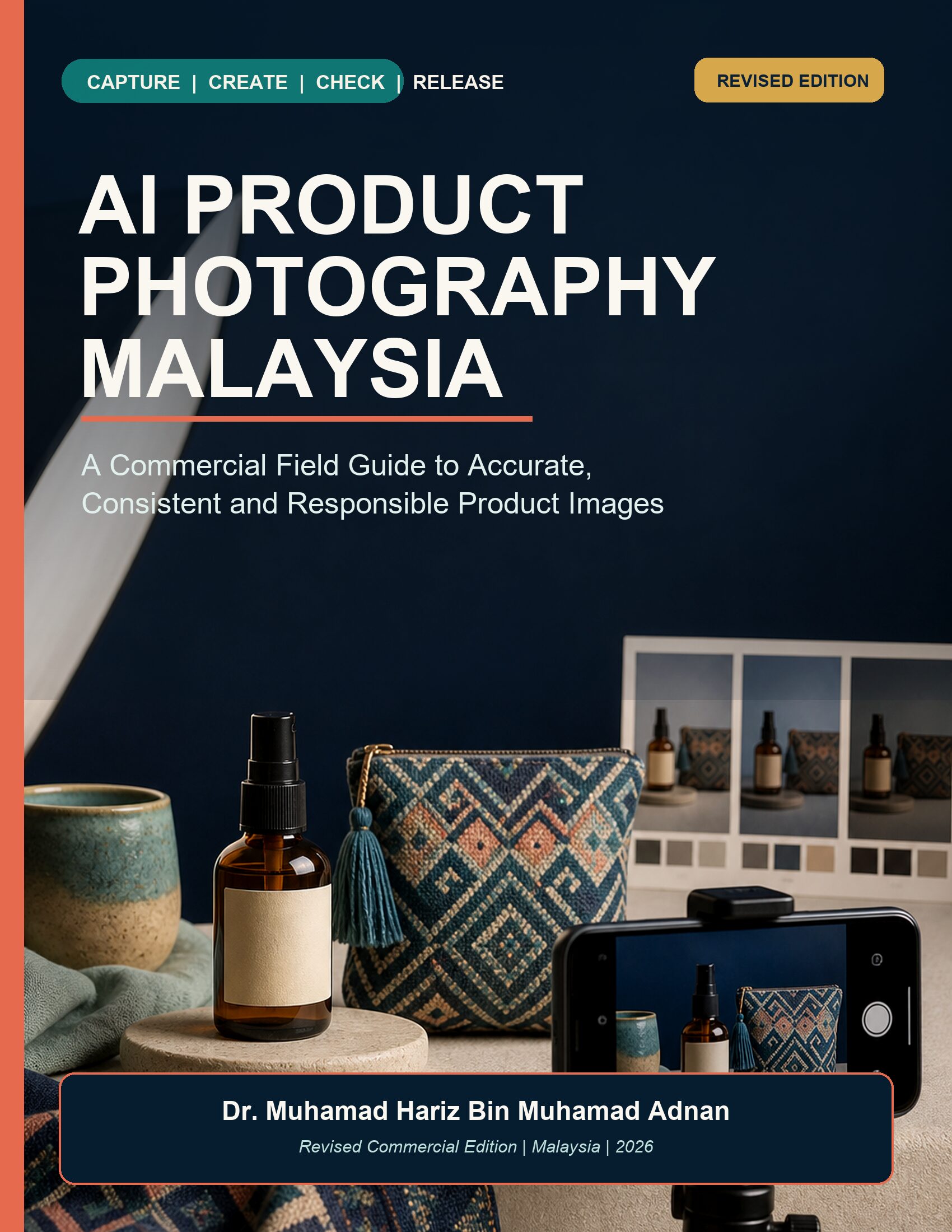
Short answer: before publishing an AI-assisted product image, compare it with the real product and approved source set. Check identity, visible text, colour, scale, quantity, props, rights, privacy, disclosure, destination rules and the live mobile crop. A polished image is not automatically an accurate one.
For Malaysian sellers, a product photo checklist is useful because image creation, approval and publishing may happen on different devices and in mixed-language workflows. The checklist below is designed for marketplace sellers, home-based makers, freelancers and small teams. It does not assume that one platform rule applies everywhere; open the current official requirement for the exact destination before release.
Why AI-assisted product photos need a release checklist
Generative editing can remove a distracting background, create a lifestyle setting or produce variations quickly. It can also change a bottle cap, redraw a label, smooth handmade texture, duplicate an item or imply that a prop is included. Those changes are product-information problems, not merely aesthetic differences.
A reliable process separates source evidence from creative choices. The source set shows what the product is. The production brief explains what may change. The release record documents what was reviewed, by whom, for which channel and on what date. If the final image cannot be traced to those records, keep it private until the gap is repaired.
The 15-check product photo checklist for Malaysia
1. Confirm the exact product and variant
Write the SKU, model, size, colour and pack quantity before editing. If two variants share a scene, make sure the image file and approval record identify the correct one. A consistent style must not hide real variation between handmade items, colours or component sets.
2. Open the approved source views
Use clear front, side, back, top and detail images where possible. Add a scale reference and controlled colour evidence for size- or colour-sensitive products. One compressed phone photo often leaves shape, texture and label details ambiguous.
3. Compare shape, parts and hardware
Zoom in and compare handles, pumps, caps, seams, closures, buttons, openings and attachments. Reject the draft if a material part moves, disappears or changes. “Looks close” is not enough when a shopper could receive something visibly different.
4. Read every visible character
Generated label text is not authoritative packaging. Compare every letter, number, symbol, model code, net quantity and required wording with approved artwork. For Bahasa Malaysia, preserve controlled terms such as gambar produk, warna sebenar, saiz, kuantiti, termasuk and tidak termasuk; do not rely on plausible-looking generated text.
5. Review colour under a controlled condition
Screen brightness, room light and automatic enhancement can change perception. Compare with an approved colour reference on a defined display setup. If colour is commercially critical, use a controlled capture and competent colour workflow rather than treating AI as a colour certificate.
6. Check scale and perspective
Ask whether lens perspective, framing or the scene makes the item look materially larger or smaller. Compare measured dimensions and relative scale. A lifestyle image should help the shopper understand context, not create a false impression of size.
7. Count products and accessories
Confirm the number of units, components and included accessories. Generative tools may add a second item for visual balance. Supporting props must be clearly separate from what is sold, and the description should remove any remaining ambiguity.
8. Inspect texture, edges, shadows and reflections
Background removal can erase transparent edges, fibres, handles or believable contact shadows. AI may polish handmade variation into a false uniform finish. Inspect the full-resolution image, especially reflective, translucent, textured or irregular products.
9. Audit the implied claim
Look beyond the product itself. Does the scene imply an unverified use, ingredient, performance outcome, certification, origin or bundle? Do props suggest that an accessory is included? Remove unsupported implications or choose a simpler, factual scene.
10. Verify people, privacy and confidential detail
Source photos may reveal faces, addresses, shipping labels, screens, customer information or unreleased products. Confirm authority for each input and intended use, minimise personal data, and remove unrelated confidential detail. Malaysia’s Personal Data Protection Commissioner publishes current principles and official materials; the precise obligation is fact-specific.
11. Confirm rights for every asset
Record who owns the source photographs, packaging artwork, logo, location and any person’s likeness. Do not imitate a competitor campaign or assume that online availability equals permission. Use owned, licensed or explicitly authorised inputs and original scene choices.
12. Open the current destination rule
Requirements can change by marketplace, advertising surface and asset type. Google Merchant Center, for example, currently publishes image requirements and specific guidance about generative-AI product imagery, including digital-source metadata. Read the live first-party page for the exact channel instead of relying on memory or an old checklist.
13. Record provenance and disclosure decisions
Save the source file IDs, tool, transformations, approved master, reviewer, destination and date. Preserve available provenance metadata through export where required. Decide any visible label or disclosure for the actual destination; a generic watermark is not proof of accuracy, rights or compliance.
14. Test desktop, mobile and compressed versions
Review the exact upload, not only the master file. Check common crops, thumbnails and mobile layouts. Compression may make label text unreadable, cut off a handle or hide the difference between two variants. Keep a channel-safe crop and compare it with the approved master.
15. Approve the exact file and preserve a rollback
Freeze the approved filename, version and checksum. Name the reviewer and record the five decisions: product truth, image quality, rights and privacy, channel and disclosure, and live display. Keep the previous approved image so a misleading release can be corrected quickly.
A fast five-gate release method
- Product-truth gate: identity, variant, text, scale, colour and quantity match the source.
- Image-quality gate: edges, texture, shadows, reflections and crops remain believable and readable.
- Rights-and-privacy gate: inputs, people, data, artwork and locations are permitted and minimised.
- Channel-and-disclosure gate: current destination requirements are recorded and implemented.
- Live-display gate: the uploaded desktop and mobile presentation matches the approved file and can be rolled back.
A pass applies only to the exact file, version, destination and date reviewed. If the platform recompresses the asset, the SKU changes or the destination rule changes, check again.
Three Malaysian workflow examples
Home-based craft seller
A Kuching pouch maker uses a neutral, repeatable background but keeps real handmade variation. Each pouch receives its own SKU and approval. The reviewer checks fabric pattern, drawstring ends, stitching, scale and quantity instead of approving only the overall style.
Food-gift seller
A Terengganu seller creates a text-free secondary lifestyle image. Product name, net quantity and ingredient wording remain in controlled page content and approved packaging artwork. Props are listed and reviewed so they cannot be mistaken for included items.
Freelancer handling a client launch
A Kuala Lumpur freelancer separates each client’s files, records permitted tools and destinations, removes unrelated customer data, and routes every final asset to the named client approver. The live crop and rollback record are part of delivery, not optional housekeeping.
Common failure responses
- The label is almost readable: use authorised artwork in a controlled design step or choose a text-free image.
- A second unit appears: reject it, simplify the scene and state the exact quantity.
- The colour differs across screens: document viewing conditions and avoid exact colour claims from an uncertain display.
- The live crop hides a component: restore the approved backup and create a safer channel-specific crop.
- The source cannot prove a product fact: keep the image private, capture better evidence or use conventional photography.
Safety and fact-checking
AI output may be incomplete, outdated, biased or wrong. Important product facts, current channel requirements, privacy decisions and claims require verification with direct official sources and qualified reviewers. Google Search’s guidance on generative content emphasises useful, reliable, people-first content rather than content made mainly to manipulate rankings. Malaysia’s National AI Office also publishes practical AI governance and privacy guidance. Neither replaces fact-specific professional advice.
Frequently asked questions
Can AI replace all product photography?
No. AI can assist cleanup, backgrounds and controlled variations, but some products need conventional photography, specialist lighting, colour management or model work. Use the method that can prove the product truth.
Can I use one phone photo?
You can experiment, but one view often hides shape, text and texture. A controlled multi-angle source set is easier to generate from and easier to review.
Must AI-generated product images be labelled?
Requirements depend on the destination and applicable rules. Some channels publish specific metadata or disclosure requirements. Open the current first-party source for each use.
Does a realistic image guarantee approval or sales?
No. Visual quality does not guarantee product accuracy, platform approval, conversion or legal compliance.
Official and direct sources
- Google Merchant Center: AI-generated content
- Google Merchant Center: image link requirements
- Google Search Central: generative AI content guidance
- Malaysia National AI Office: Practical Guide to AI Governance and Ethics
- Malaysia National AI Office: Privacy and Security
- Personal Data Protection Commissioner: principles
- Shopify Help Center: product photography
Conclusion
The safest product-image workflow begins with the real item, not a decorative prompt. Capture evidence, define what must not change, keep creative choices bounded, compare full-size details, record current destination rules and inspect the live result. If a reviewer cannot prove an important product fact, the image is not ready.
Get AI Product Photography Malaysia for RM9.99 for the full 79-page system, including 20 reusable templates, release gates, Malaysian examples and a 14-day practice plan.
Author: Dr. Muhamad Hariz Bin Muhamad Adnan