5 Professional Email Prompts for Malaysians: A Safe AI Workflow
AI can help Malaysian beginners draft professional email, but the prompt must supply verified facts and the sender must review privacy, authority, recipients and tone before sending. The practical method below gives you five editable prompt patterns without pretending that polished text is automatically correct.
Use a low-risk message first. Keep sensitive details out, use an approved account and send manually. AI output may be incomplete, outdated, biased or wrong, so important facts require checking against current primary sources.
What makes a professional email prompt useful?
A useful prompt does not ask an AI tool to guess what you mean. It identifies the recipient, desired outcome, verified facts, limits and the format you want. For Malaysian workplaces, it should also avoid assuming one universal tone. A message to a lecturer, customer, government contact, supplier and close teammate can require different formality. Use the recipient’s established style and your organisation’s policy.
Use the R.E.P.L.Y. prompt framework
R means recipient and relationship. E means exact outcome. P means proven facts. L means limits, including details the tool must not invent or disclose. Y means your format and voice. This structure works with a standalone assistant or an approved AI feature inside email. Ask for [CONFIRM] markers when a date, amount, name, policy or approval is missing.
Minimise information before drafting
Do not paste an entire thread by default. Build a short map of the latest request, confirmed decisions, open items, recipients and sensitive details. Replace real names, email addresses, account numbers and exact references with placeholders unless they are necessary and authorised. An embedded email tool may access connected context, so check the exact account, administrator configuration and current provider documentation.
Prompt 1: request a meeting
Provide the purpose, recipient relationship, duration, two verified time options and time zone. Ask for a specific subject and a message under 120 words. Instruct the tool not to claim that a time is available or accepted. After drafting, verify the calendar and recipient address.
Editable prompt: Write a meeting request to [RECIPIENT ROLE] about [VERIFIED PURPOSE]. Offer only these checked options: [DATE, TIME AND TIME ZONE]. Keep it under 120 words, state the duration and ask the recipient to choose or propose another time. Do not imply that a slot is available or accepted. Mark missing details [CONFIRM], then list the calendar facts and address I must check.
Prompt 2: follow up politely
Provide the date and purpose of the earlier request, why a response matters and a reasonable verified response date. Ask for a respectful direct tone without guilt or invented urgency. Check that the draft does not imply the recipient promised a reply.
Editable prompt: Prepare a respectful follow-up to [RELATIONSHIP] about the request sent on [VERIFIED DATE]. Explain why confirmation is needed using only [FACT LIST], and ask for a reply by [CHECKED DATE AND TIME ZONE]. Do not claim that the recipient promised, ignored or delayed anything. Use one calm subject line and a direct closing; flag every unsupported date or assumption [CONFIRM].
Prompt 3: confirm scope
List the approved scope, the new request and the decision needed. Tell the tool not to quote a fee or delivery date until checked. This is useful for freelancers and small businesses because fluent drafts often turn a pending change into an accidental commitment.
Editable prompt: Draft a scope-confirmation email. Separate [APPROVED SCOPE] from [NEW REQUEST] and ask [DECISION OWNER] to confirm the next step. Preserve all stated conditions. Do not quote a price, schedule work, accept the change or promise delivery unless those items appear in the verified facts. End with a short checklist of commitments, attachments and recipient fields that require human approval.
Prompt 4: acknowledge a complaint
Summarise the customer’s concern with placeholders, state the authorised review route and give only a verified update window. Ask the tool not to admit liability, blame a person or promise compensation. Use the organisation’s complaint process and qualified review for high-stakes cases.
Editable prompt: Acknowledge this customer concern in a calm, respectful tone using placeholders instead of personal details: [MINIMISED SUMMARY]. State only the approved review route and this verified update window: [WINDOW]. Do not admit liability, assign blame, promise compensation or invent an outcome. Ask one necessary clarification if supported, and show [ESCALATE] where policy or specialist review is required.
Prompt 5: create an action recap
Give the confirmed decision, owner, due date and unresolved item. Ask for bullets and a final correction request. Compare the result with approved notes. A generated summary can omit disagreement, so do not treat it as a record until people verify it.
Editable prompt: Turn these approved notes into an action recap: [DECISIONS], [OWNERS], [DUE DATES WITH TIME ZONES] and [OPEN QUESTIONS]. Use bullets with one item per owner. Keep disagreements and unresolved points visible; do not merge them into a false decision. Close by asking recipients to correct the recap by [VERIFIED REVIEW DATE], then list any item whose source or owner still needs confirmation.
Turn a weak request into a controlled brief
A weak prompt says, ‘Write a professional email asking my client to reply urgently.’ It leaves the tool to guess the relationship, earlier request, reason, date and meaning of professional. A better brief says: ‘Existing client contact; follow up on the scope question sent on [VERIFIED DATE]; we need confirmation before scheduling; ask for a reply by [VERIFIED DATE AND TIME ZONE]; friendly and direct; under 130 words; do not imply the client previously promised or that production has started.’ The second prompt still needs a fact check, but it exposes assumptions instead of hiding them.
Keep the message easy to act on
Most routine professional email needs one primary action. Put that action near the beginning or in a short final request. If several people own different steps, use bullets with names or role placeholders and verified dates. Avoid vague closings such as ‘please advise accordingly’ when the recipient cannot tell what decision is required. For a complex matter, use the email as a concise cover note and place approved detail in the correct attachment or system.
Review every generated draft
Use seven passes: facts, authority, privacy, recipients, structure, tone and mechanics. Underline dates, amounts, promises, policies, links and attachment references. Check each against a current source. Review To, CC, BCC and Reply all separately. Read the final message aloud and remove generic phrasing that does not sound like you.
Adapt the prompt to Bahasa Malaysia carefully
Approve the facts and message structure first. Give the tool a short terminology list for names, programme titles and phrases that must remain unchanged. Ask it to preserve the level of obligation and to flag uncertain wording instead of improvising. A fluent translation can still choose an unsuitable register or shift a deadline, so important messages need a competent speaker who understands the relationship and subject.
Know when another channel is better
Email is not always the right place for a password, one-time code, identity document, urgent safety issue or surprising payment change. Use an independently verified phone number, official portal or approved secure workflow. Do not verify a suspicious request by replying to the same thread. AI can help organise questions, but it cannot authenticate a sender from writing style alone.
Safety and current product limits
Google currently documents drafting and replies in Gemini for Gmail, and Microsoft documents drafting with Copilot in Outlook. Availability varies by account, plan, administrator, language and interface. Google lists Malay for the Gmail side panel, while the separate Help me write feature has a different supported-language list. Verify current official pages. Malaysia’s data-protection and responsible-AI guidance also makes purpose, privacy and accountability central. Sources: Google, Microsoft, JPDP and NAIO.
Quick send checklist
- Correct recipient, CC and BCC
- Verified names, dates, amounts and links
- No unsupported promise or approval
- Only necessary authorised information
- Correct attachment and version
- Clear action, owner and reasonable date
- No placeholder markers
Open attachments from the composed email, not merely from your working folder. Confirm that the recipient has the intended access and that an old version, hidden comment or unrelated customer record is not included. For a scheduled email, recheck whether the facts and recipient list will still be current at the send time.
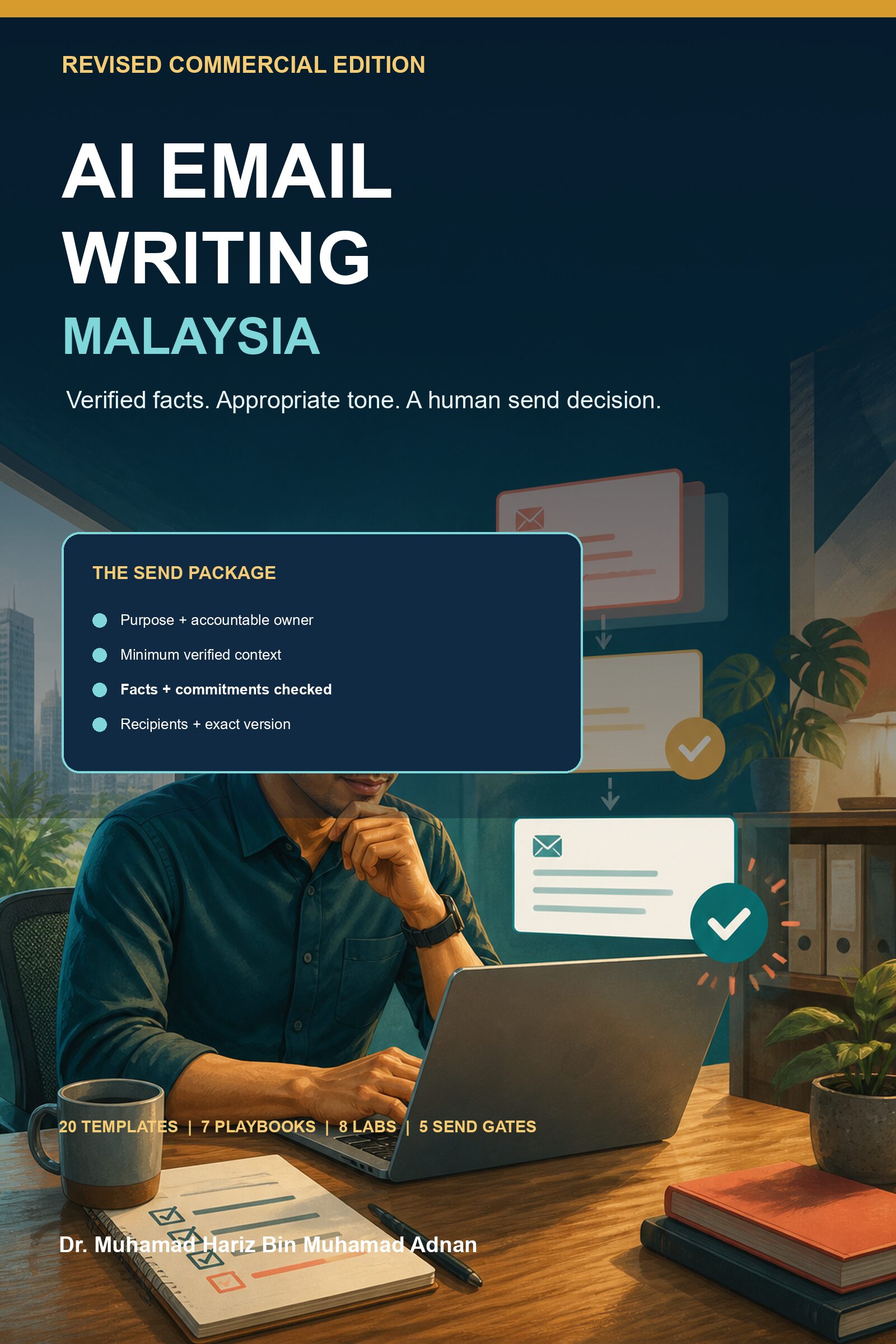
Want the complete supervised workflow? The revised 53-page AI Email Writing Malaysia commercial field guide includes 20 reusable templates, English and Bahasa Malaysia guidance, seven role playbooks, eight labs, six teaching visuals and a five-gate send workflow.
Frequently asked questions
Can AI write a professional email for me?
It can draft or refine text, but you remain responsible for purpose, facts, privacy, authority and the final send decision.
Is it safe to paste an email thread into AI?
Not by default. Use the minimum authorised context, check the exact account and policy, and avoid unnecessary personal or confidential information.
Can AI write email in Bahasa Malaysia?
Some tools support Malay in some features. Availability changes, and important meaning and register still need competent human review.
How do I stop invented facts?
Provide a verified fact list, require [CONFIRM] markers and check every material claim against the source. No prompt can guarantee truth.
Conclusion
A strong AI email prompt is a controlled brief, not a request for magic prose. Start with one routine message, keep private information out, verify every commitment and edit the result in your own voice.
Get all 20 templates and the 14-day implementation plan: view the live RM9.99 AI Email Writing Malaysia ebook.
By Dr. Muhamad Hariz Bin Muhamad Adnan. First published for Malaysia in 2026.