How to Prepare a Spreadsheet for AI Analysis: A Safe Malaysian Workflow
Short answer: make one tidy table, remove data you are not authorised to share, define every important column, profile quality before cleaning, and verify headline numbers with a pivot table, formula or authorised reviewer. AI can help analyse a spreadsheet, but the method and final decision still need human review.
For a Malaysian small business, student, freelancer or operations team, the most common failure happens before the first prompt. A workbook may contain merged headings, several tables, ambiguous dates, names, phone numbers, hidden rows and a column called “sales” that nobody has defined. An AI assistant may still produce a confident chart. That confidence does not repair the file.
Can AI analyse an Excel or CSV file?
Current official help pages describe spreadsheet analysis in several common assistants. OpenAI documents XLS, XLSX and CSV analysis with tables, charts and code-backed calculations. Microsoft describes natural-language questions over table-like Excel ranges. Google describes uploading supported spreadsheet or tabular files and creating charts. Access, limits and controls vary by account and may change, so check the current official documentation and your organisation’s policy before uploading data.
Sources: OpenAI data analysis guidance, Microsoft Excel data analysis guidance, and Google Gemini file analysis guidance.
Step 1: define the decision before the data
“Find insights” is too broad. Write the choice that the analysis supports. A seller might ask: “Which product groups should we review for the next stock order?” A community organisation might ask: “Which programmes are consistently above capacity?” A student might ask: “How did a public indicator change across states over a defined period?”
Then name the population, exact dates, metrics, comparison and output. This prevents the assistant from selecting an impressive but irrelevant pattern.
Step 2: run a privacy and authority gate
Removing a name column is not always enough. A postcode, exact age, unusual role, date and free-text note may still identify someone. Confidential commercial data can also be sensitive even when it is not personal data.
- Confirm that you are authorised to use the dataset and the specific AI account or workspace.
- Remove direct identifiers, unnecessary free text and columns unrelated to the decision.
- Reduce precision or group rare categories when re-identification is plausible.
- Check current provider handling, retention and workspace controls.
- Use synthetic, aggregated or local data when that can answer the question.
Malaysia’s Personal Data Protection Department explains that personal data includes information that can identify a living individual. Its 2026 Automated Decision-Making and Profiling Guideline says AI should not be relied upon as the sole factor for decisions concerning a data subject. Use the current official guidance and obtain professional advice for high-stakes or uncertain cases: JPDP FAQ and 2026 ADMP Guideline.
Step 3: convert the workbook into one tidy table
A useful analytical table has one header row, one record per row and one variable per column. Move the report title and explanatory notes to a README sheet. Remove merged cells from the data range. Do not place two unrelated tables on the same sheet.
Use stable headers such as order_date, state, product_group, quantity and net_rm. Avoid duplicate header names and unexplained abbreviations.
Step 4: create a small data dictionary
For each column, record its type, meaning, allowed values and missing-value rule. “Revenue” might mean gross orders, invoiced amount, cash received or value after refunds. The assistant cannot choose the right definition unless you provide it.
Malaysian workbooks need particular care with dates and money. Prefer an unambiguous date such as 2026-07-23, state the timezone when time matters, label Malaysian Ringgit explicitly and distinguish gross, discount, refund and net values.
Step 5: profile the data before cleaning
Ask the assistant to report row count, column types, date range, missing count, unique values, duplicate count and suspicious numeric ranges without changing the file. Compare those results with spreadsheet filters and source control totals.
A useful profiling prompt is:
Do not change the file. Report rows, columns and types; minimum and maximum dates; missing count by column; unique category count; duplicate count using [record key]; numeric ranges; and suspicious category variants. Then propose a cleaning plan and stop for approval.
Step 6: approve every transformation
Cleaning is a set of decisions. If “KL”, “Kuala Lumpur” and “W.P. Kuala Lumpur” are combined, record that mapping and the affected-row count. Do the same for date parsing, whitespace, missing values, exclusions and calculated columns.
Do not allow an assistant to delete outliers automatically. An extreme value may be an error, a rare real case or the most important event in the file. Investigate it against the source.
Step 7: request a verification table before a chart
Ask for each segment’s row count, total, median, numerator, denominator and missing count. Reconcile the grouped totals with the overall filtered total. Flag small samples rather than ranking them confidently.
Only then create a chart. A bar chart is usually useful for category comparisons, a line chart for time, a histogram for a distribution and a scatter plot for association. The caption should state metric, population, period, method and limitation.
Step 8: reproduce important results independently
Check headline totals with a pivot table, SUMIFS, COUNTIFS or another approved method. Trace a few source rows into the final output. A second prompt to the same assistant is not fully independent because it can repeat the same assumption.
Choose the tool after you classify the work
A chat-based file analysis can be convenient for exploration and code-backed calculations. Spreadsheet-native assistance can keep formulas, tables and charts close to the workbook. A local pivot table, Power Query step or script may provide better control for sensitive or repeatable work. The correct choice depends on the approved account, data classification, collaboration needs and evidence required by the decision.
Ask four questions before choosing: Is this environment approved? Can it show the method? Can another reviewer reproduce the result? Can the same question be answered with less data? A feature comparison that ignores these questions is not a safety decision.
Write findings that match the evidence
Prefer language such as “within this file and period,” “was higher,” “was associated with” and “cannot determine from these data.” Avoid “caused,” “proves,” “will” and “guarantees” unless the underlying research design genuinely supports that stronger statement. A practical finding contains the scope, exact evidence, one limitation and one reversible next step.
For example: “Within confirmed orders recorded from January to June 2026, Product Group A had the highest net revenue and represented 31% of the total. Its median order value was similar to Group B, so the difference mainly reflects order count. The file does not establish why demand differed. Test a limited restock and review sell-through after two weeks.”
When a result will affect a person, money, eligibility, employment, education, health, insurance, safety or another significant interest, increase the review standard. Use the authorised process, obtain appropriate professional support and do not make a general AI assistant the sole decision maker. Preserving uncertainty is safer than turning a limited spreadsheet into a confident personal judgment.
A Malaysia-friendly practice dataset
For learning, start with public data rather than personal records. OpenDOSM is the Department of Statistics Malaysia’s official open-data portal. Keep the dataset title, publisher, URL, licence, download date, data-as-of date, units and definitions with your analysis. Public access does not remove the need for correct interpretation.
Common spreadsheet mistakes that create false confidence
- Using totals from incomplete months.
- Treating blanks as zero without a defined rule.
- Comparing gross revenue with net revenue.
- Using an average when a few extreme values dominate it.
- Reporting a percentage without numerator and denominator.
- Claiming that one factor caused another from a simple spreadsheet association.
- Hiding excluded rows and failed reconciliations.
FAQ
Should I upload customer data after removing names?
Not automatically. Check indirect identifiers, authority, provider handling, contracts and whether aggregated or synthetic data can answer the question.
Can AI decide which employee or student is underperforming?
Do not use a general AI analysis as the sole basis for a significant decision about a person. Use authorised human-led procedures, appropriate evidence and current Malaysian guidance.
How do I know an AI chart is accurate?
Compare its plotted values with a verified summary table, reconcile totals and reproduce headline calculations using another method.
What if the assistant cannot show formulas or code?
Treat material results as unverified and use an auditable method.
Final checklist
- Decision, scope, period and metrics are explicit.
- The data and tool are authorised.
- Unnecessary and identifying fields are removed.
- One tidy table and a data dictionary exist.
- Quality issues and cleaning rules are logged.
- Headline numbers reconcile and have an independent check.
- The chart has a complete caption and does not overclaim causation.
- An accountable human owns the decision.
AI output may be incomplete, outdated, biased or wrong. Verify important facts and calculations against primary sources and systems of record.
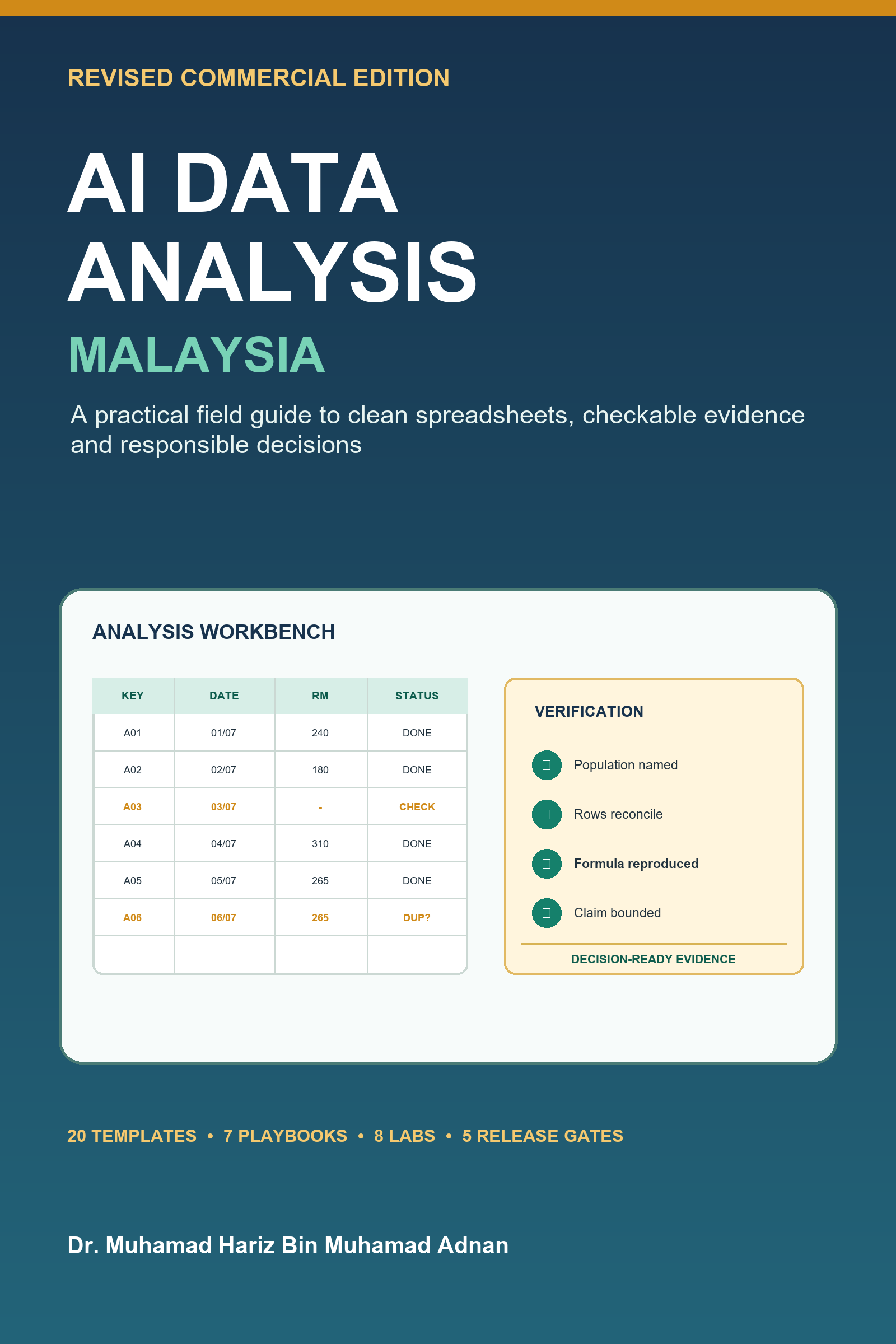
Want the full workflow? The ebook AI Data Analysis Malaysia: Revised Commercial Field Guide includes 20 reusable templates, eight Malaysian practice labs, seven role playbooks, six original instructional visuals, troubleshooting guidance and a 14-day implementation plan.
Continue with a verified method: Get the 66-page AI Data Analysis Malaysia PDF ebook for RM9.99.
By Dr. Muhamad Hariz Bin Muhamad Adnan