How to Write a Project Status Report with AI: A Verified Malaysian Workflow
Short answer: prepare a dated source sheet first, ask AI to structure only those verified facts, keep unknowns visible, and have the project owner check every date, owner, number, blocker and decision before sharing. AI can improve clarity; it must not invent progress or soften bad news.
Use the same approved status definitions across reporting cycles so readers can compare changes without guessing what each label means.
A useful status report helps a stakeholder decide or act. It does not simply list activity. Malaysian SMEs, student teams, agencies, educators and coordinators can use the workflow below with any approved AI assistant or work-management tool.
1. Fix the reporting boundary
Name the project, reporting period, approved baseline and audience. A weekly internal update and a client steering report may use different detail. Confirm who may see risks, budget information, customer data and staff-related material.
2. Build a verified source sheet
Collect accepted deliverables, current milestone dates, task records, risk and issue updates, decisions and approved changes. Mark each item with a source and date. Do not use memory as the only evidence for an important commitment.
- Completed: accepted work, not effort alone.
- Next: near-term work with owner and date.
- Variance: difference from the approved baseline.
- Risks and issues: material items, response and decision need.
- Forecast: current expectation with assumptions.
3. Minimise data before prompting
Remove information the report does not need. Replace names or clients with roles and placeholders while learning. Never paste credentials, one-time codes, security answers, unverified access links or unnecessary personal records into an AI tool. Use only an account and workflow approved for the material.
Malaysia’s National AI Office highlights privacy, accountability, transparency, reliability and human oversight, while the Personal Data Protection Department publishes the current Act 709 materials and guidance. Check the facts of your organisation and seek qualified advice where required. Sources: NAIO governance and JPDP scope guidance.
4. Use a bounded prompt
Prompt: Using only the dated source sheet below, draft a project status report for [AUDIENCE]. Include reporting period, overall status using our stated criteria, accepted work, next milestones, variance, material risks/issues and decisions needed. Preserve dates, owners, numbers and blocker language exactly. Do not invent percentages, completion, causes, approvals or forecasts. Mark every gap or conflict as [VERIFY]. End with a reviewer checklist.
If the model cannot answer without guessing, the correct output is a question. A visible gap is safer than a plausible fiction.
5. Check six things before sharing
- Version: Is the report based on the current baseline and reporting period?
- Evidence: Can each important statement be traced to a record or owner?
- Responsibility: Are action and decision owners correct?
- Integrity: Do dates, numbers, links and status criteria match?
- Fit: Is the level of detail right for the audience?
- Yield: Does the reader know what decision or action is needed?
A Malaysian SME example
A Johor distributor is piloting a stock dashboard. The source sheet says the data mapping is accepted, user testing has not started, and access approval is two days late. A weak AI draft might call the project “on track with a minor dependency.” The accurate report says user testing is blocked pending access approval, names the decision owner and shows the effect on the forecast. Clear writing must not change operational truth.
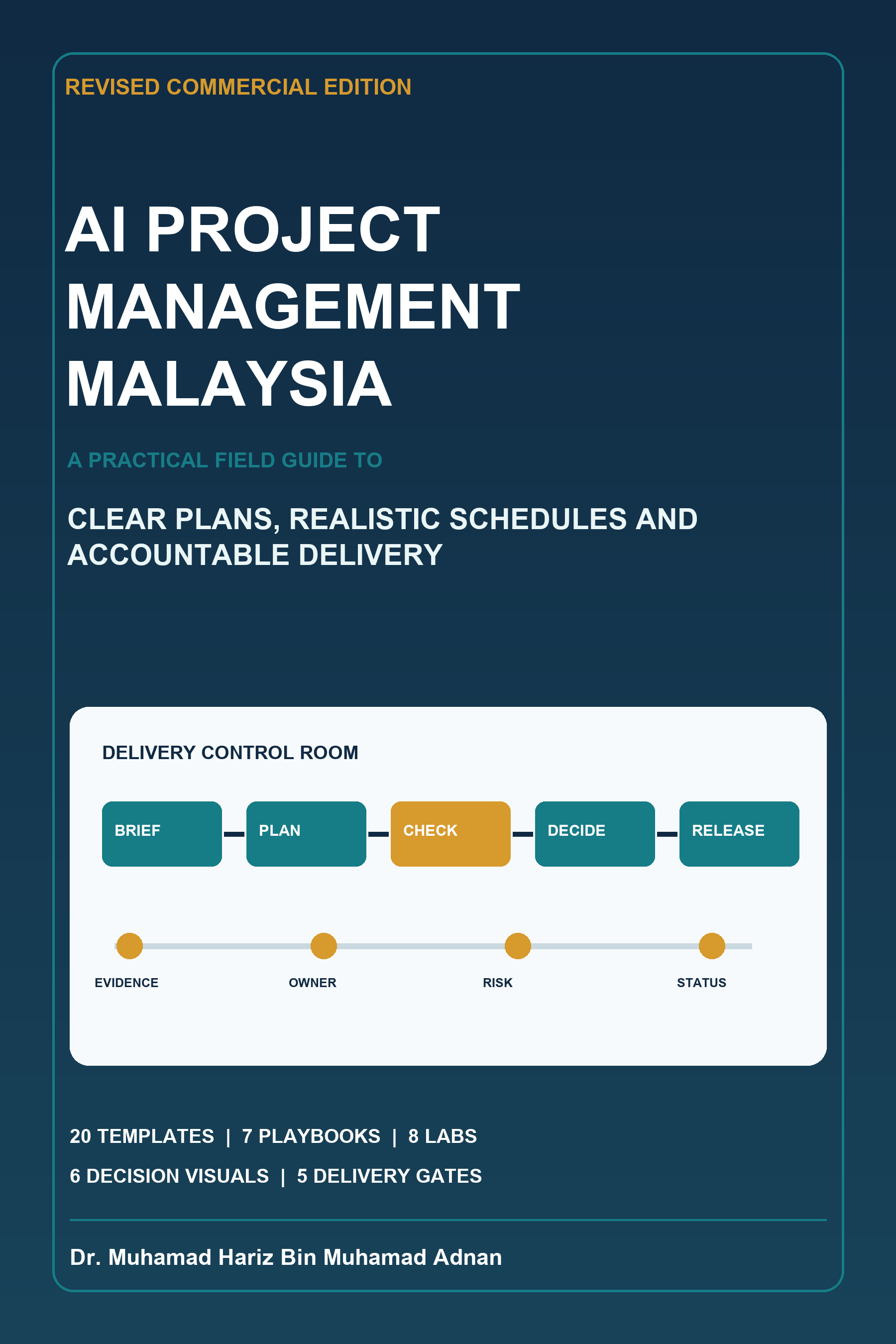
For a complete system covering project briefs, work breakdowns, schedule scenarios, risk and issue logs, decisions, 20 templates, seven Malaysian playbooks, eight labs and five delivery gates, see the 49-page AI Project Management Malaysia Revised Commercial Field Guide.
A copy-ready source sheet
Use a small table or structured note before you open the AI tool. Include the reporting period, baseline date, status criteria, accepted deliverables, current forecast, next milestones, material risks, current issues, approved changes and decisions required. For every row, add the source, owner and last-updated date. If a field is unknown, write [UNKNOWN]; do not leave a blank that the model may fill.
A source sheet also makes review faster. The project owner can compare the generated paragraph with one row instead of searching through an entire meeting thread. If two sources disagree, stop and resolve the conflict before drafting. The report should never hide a disagreement by choosing the more convenient value.
Define status before using colour
Red, amber and green labels are only useful when the team has agreed criteria. For example, green might mean the current forecast remains within the approved tolerance and no material issue requires leadership action. Amber might mean a credible threat or variance needs attention, while red might mean the approved objective or date cannot be met without a decision. Your organisation may define them differently.
Give the criteria and evidence to the AI. Ask it to explain which criterion appears to apply, then have the accountable owner decide. Do not let the model infer status from emotional language. A cheerful update can still describe a blocked project, and a cautious writer can still be on plan.
Separate facts, interpretation and requests
A strong report distinguishes three layers. Facts describe what the record shows: “Access approval was due on 22 July and is not recorded as approved at 25 July.” Interpretation connects the fact to the plan: “User testing cannot start under the current dependency.” A request names the decision: “The security owner should confirm approval or a revised date by 27 July.” Keeping the layers separate makes challenge easier and reduces accidental blame.
Check dates and arithmetic independently
If the report contains budget variance, elapsed time, forecast movement or completion measures, calculate them outside the language model and retain the working. Confirm units, inclusive dates, currency, tax treatment and rounding. A fluent explanation is not proof that the arithmetic is correct. When a number affects payment, contract, safety or staffing, use the authorised finance, legal, HR or operational review route.
Use audience-specific detail without changing truth
An internal working update may name task-level blockers and technical owners. A steering report may group them into decision-level themes. A client update may follow contractual terminology and disclosure rules. These versions can differ in depth, but they must agree on accepted progress, material variance, forecast and decisions. Ask AI to shorten or restructure; prohibit it from changing facts, dates, status or commitment language.
Preserve the review trail
Store the dated source sheet, first draft, corrections and approved report in the authorised location when accountability matters. Record who approved a changed forecast or status. Do not use the chat transcript as the only system of record. A future team member should be able to reconstruct why the report was accurate without asking the model to remember an earlier conversation.
A final ten-minute review routine
Read the report once as the project owner and once as the intended stakeholder. In the first pass, check the baseline, task evidence, dependencies, forecast, risk responses and decisions. In the second, ask whether the reader can see what changed, why it matters and what they must do. Open every internal link and confirm that the audience has permission to view it. Check that attachments are the correct version and that no comment, hidden row or draft note reveals restricted information.
Then read each commitment aloud. Words such as will, approved, complete, within budget and on track carry operational meaning. Replace them when the evidence supports only an aim, proposal or pending decision. Confirm that a named person has accepted every action attributed to them. Finally, save the approved report and update the project register so the next report begins from the same truth.
Common mistakes
Invented progress percentages
Do not report 75% complete unless the team has a defined, verified measure. Prefer accepted deliverables or observable milestones.
Softened blockers
“Waiting for approval” and “blocked pending approval” can imply different urgency. Preserve the status chosen by the accountable owner.
Old source records
A polished report generated from last week’s export is still wrong. Date the source set and confirm changes before drafting.
Too much confidential detail
A status report should contain what its audience needs. Use separate restricted channels for sensitive investigations, personal matters or security details.
FAQ
Can AI decide the red, amber or green status?
It can apply criteria you provide, but the team must verify the evidence and own the published status.
Can AI read my project tool automatically?
Some products offer connected features, but access, plan, administrator settings and data scope vary. Verify current official documentation and organisational approval.
Can I write the report in Bahasa Malaysia?
Yes for suitable use cases, with a competent reviewer checking meaning, register, terminology, names, dates and commitments.
Does AI remove the need for a project meeting?
No. It may reduce routine formatting, but decisions, disagreement, negotiation and accountability still require people.
Conclusion
The safest workflow is source first, draft second, verification third. Keep the approved project system as the record, and use AI as a writing assistant around it. Download the full 49-page AI Project Management Malaysia Revised Commercial Field Guide for RM9.99 to practise the complete P.L.A.N.S. workflow.
Author: Dr. Muhamad Hariz Bin Muhamad Adnan
Sources