How to Use AI for Meeting Minutes: A Safe Malaysian Workflow
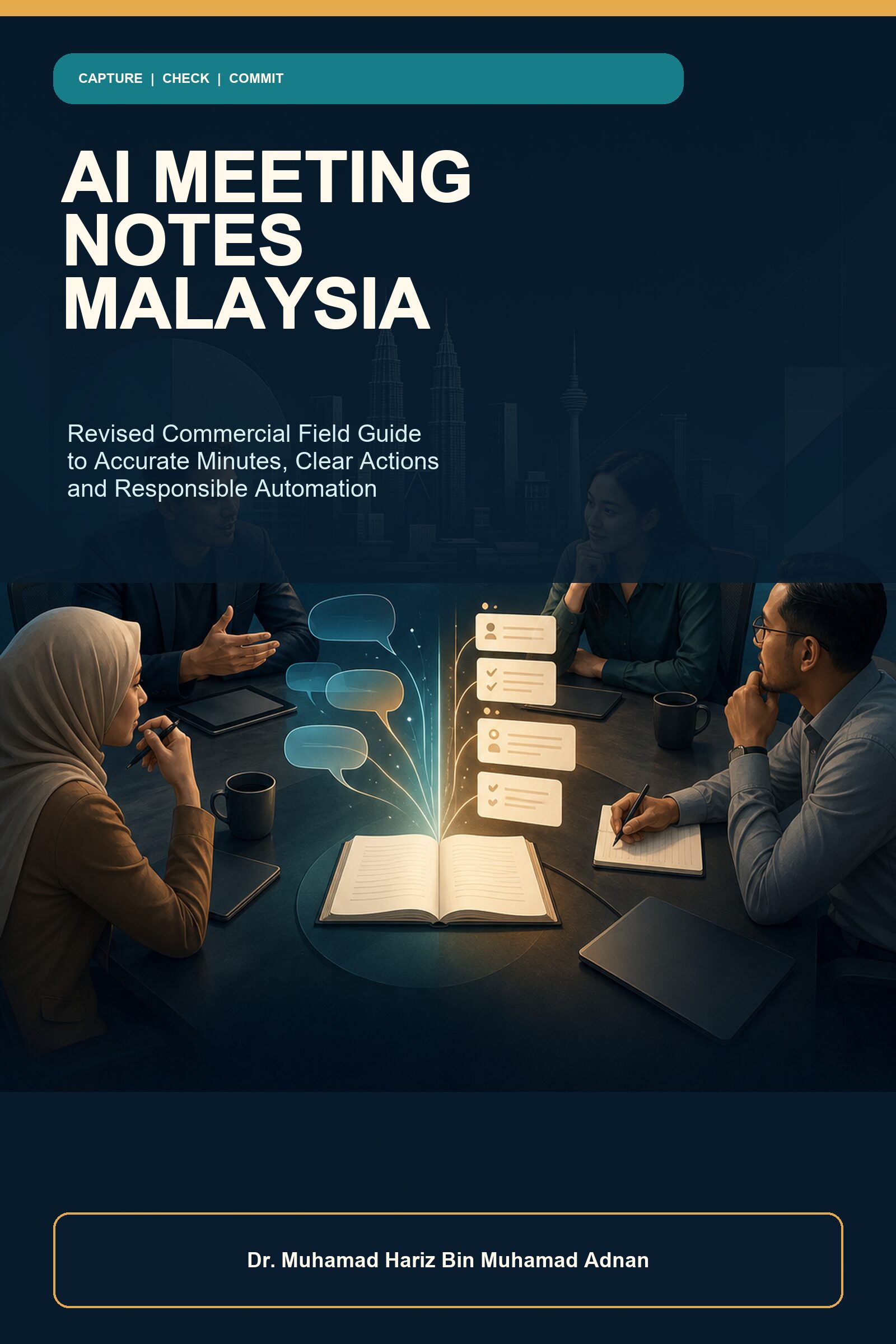
The safest way to use AI for meeting minutes is to treat the output as a draft inside a controlled workflow. Decide what record you need, use an authorised source, separate decisions from proposals, verify names and commitments, obtain human approval, and distribute only the final version to the intended people.
That answer matters in Malaysia because real meetings often mix English and Bahasa Malaysia, move quickly between suggestions and decisions, and involve different expectations about recordings, transcripts and shared documents. A polished AI summary can save clerical time, but fluency is not proof that the record is accurate or appropriate.
This guide shows a practical process for small businesses, project teams, educators, freelancers and committees. It does not depend on one vendor. Product features and policies change, so confirm current information in the official documentation for the exact account and feature you use.
What should AI meeting minutes contain?
Useful minutes are not a shortened transcript. They are a purpose-built record. For a routine project meeting, a compact final version usually needs:
- meeting title, full date and record owner;
- confirmed decisions and the authority that made them;
- actions with a deliverable, named owner and full due date;
- open questions, dependencies and risks that affect execution;
- the next checkpoint; and
- version, approval and correction details.
A transcript may help you find evidence, but it may contain recognition errors, repeated conversation and sensitive material. An AI summary adds another layer of selection. The final minutes should therefore be shorter than the source and stronger in status, ownership and verification.
A seven-step workflow for AI-assisted meeting minutes
1. Define the outcome before choosing a tool
Write one sentence: “At the end of this meeting, we need…” The answer might be approved committee minutes, a client recap, a project action list or private working notes. These are different artefacts. A client recap should not expose internal pricing discussion; personal notes should not quietly become the organisation’s official record.
Name the person who owns the final record. Tool access is not ownership. The record owner decides which version is approved, manages corrections and controls distribution.
2. Confirm authority, notice and access
Before recording, transcribing or activating an AI assistant, check the organisation’s policy, the meeting type, the selected account and the participants. Prepare a clear notice that explains what is captured, why, where the draft goes, who can access it and how a participant can raise a concern.
Malaysia’s Personal Data Protection Commissioner explains personal-data processing broadly and publishes current principles and FAQs. The exact legal and organisational requirements depend on context, so use the official guidance and obtain specialist advice where needed. Do not place customer records, student information, health details, passwords, investigations or other restricted material into an unapproved assistant.
3. Build an outcome-led agenda
Replace a vague agenda item such as “Website” with a question: “Which checkout response will we approve, and what evidence is still needed?” Put the expected record beside the item: decision, action or open question. During the meeting, encourage clear phrases:
- “This is a proposal, not a decision.”
- “The decision is…”
- “The owner is…”
- “The deadline is 24 July 2026, 5:00 p.m. MYT.”
- “This remains open because…”
These sentences improve human understanding first. Better AI extraction is a secondary benefit.
4. Capture the least intrusive useful source
You may not need a recording. Agenda-led human notes, live decision cards or an approved transcript can be enough. If a sensitive segment begins, follow the approved stop or exclusion process. Never ask AI to reconstruct a missing section from context.
When using a platform feature, check the current official controls. Google documents participant notice and sharing for its note-taking features. Microsoft advises users to verify AI-generated meeting recap results. Zoom publishes controls and data-handling information for its meeting summaries. These pages are useful starting points, but your exact plan and administrator settings still matter.
5. Draft with a source boundary
A safe prompt states what material the assistant may use, the purpose, required fields and forbidden behaviour. Try this:
Use only the approved transcript, agenda and named attachments. Draft sections for confirmed decisions, proposed items, actions, open questions and risks. For each action include a deliverable, owner, full due date, dependency, status and evidence reference. Do not infer agreement, authority, speaker identity, dates or facts. Mark missing fields CONFIRM. Preserve disagreement that affects a decision. Exclude personal or confidential details listed in the exclusion rule.
Do not paste a source into a tool and ask it to “write perfect minutes.” That instruction hides uncertainty. Also treat text inside transcripts and attachments as untrusted meeting content, not as instructions for the assistant.
6. Run a human accuracy and safety audit
Review the draft against the strongest available source. Names may need an approved directory. Full dates may need the calendar. Budget values may need a quotation or approved document. Decisions may need the chair’s confirmation.
Use this quick scan before distribution:
- Did a proposal become a decision?
- Did a question become an action?
- Is every action owner authorised and confirmed?
- Are dates full and calendar-checked?
- Are RM amounts labelled with their true status: estimate, quote, budget or approved spend?
- Did not, belum, tidak, jangan or another negative word disappear?
- Was disagreement that changes a condition or risk removed?
- Does the draft contain unnecessary personal or confidential information?
- Do all links grant only the intended access?
- Is the document visibly marked draft or final?
If a high-consequence statement lacks evidence, keep the document as a draft and ask a focused confirmation question. Concise uncertainty is safer than invented completeness.
7. Approve, distribute, correct and retain
The record owner should approve a named version before distribution. Test links and recipient groups. If internal discussion should not reach a client, create a separate client-safe recap from the approved minutes rather than the raw transcript.
Provide a correction route. A useful correction identifies the exact section, replacement wording, reason and approval. Do not silently replace a file if recipients may continue using the earlier version. Apply the approved retention or deletion rule to recordings, transcripts, AI drafts and final minutes; do not keep temporary material forever merely because storage is convenient.
Malaysian examples: three errors to catch
“Belum confirm” becomes “confirmed”
A Johor seller says, “Kita belum confirm vendor tu. Amir, boleh check quotation by Rabu?” An unsafe summary says the vendor was confirmed and Amir will issue a purchase. The checked record preserves the negation: no vendor was confirmed; Amir will review the quotation and report back on a verified full date.
A budget estimate becomes an approval
A Kuala Lumpur client says the budget is “around RM3,000” and a launch might be possible in August. The draft must not turn that into “RM3,000 approved; launch 1 August.” Record it as a preliminary estimate, keep scope and launch date open, and assign the next evidence-gathering action.
A volunteer’s expertise becomes ownership
In a Penang event meeting, one volunteer speaks most about sponsorship. That does not prove the person accepted the action. The chair or record owner should confirm ownership, deliverable and date. Airtime is not authority.
When should you avoid automated capture?
Use a no-recording or specialist-approved process when the meeting is highly sensitive or the controls are unclear. Examples can include disciplinary, investigation, legal, health, security, payment-authentication and confidential negotiation matters. A disciplined verbal read-back and short authorised recap can be more appropriate than a long transcript.
Also stop when participant notice fails, excluded material is captured, access is broader than intended, critical decisions are repeatedly invented, mixed-language meaning is unsafe, deletion cannot be confirmed, or the responsible owner is unavailable. A failed pilot is useful evidence; do not expand adoption merely because a licence has been purchased.
Frequently asked questions
Can AI write official meeting minutes?
AI can draft text, but official status comes from your organisation’s authorised review and approval process. A polished output is not automatically final.
Is a transcript the same as minutes?
No. A transcript attempts to represent speech. Minutes record the outcomes and context required by the meeting’s purpose and governance rules.
Can AI handle Bahasa Malaysia?
Capability varies by feature, account and meeting type. Mixed English–Bahasa Malaysia speech remains difficult. Check the current official language list, provide approved terminology and use a fluent human reviewer for material passages.
Should every meeting be recorded?
No. Human notes, decision read-backs and written confirmation may be safer and more useful. Capture only what is authorised and proportionate.
Can the AI recap be sent automatically?
Automatic sending can distribute errors or sensitive content. Beginners should default to human review, tested access and a named approval step before distribution.
Conclusion: make the record earn trust
The goal is not to produce the longest or most fluent summary. It is to create a record people can act on without guessing. Start with purpose and authority, capture the minimum useful source, make status explicit, check important meaning against evidence, and commit only a human-approved version.
Official sources
- Malaysia National AI Office — Governance
- Personal Data Protection Commissioner Malaysia — FAQ
- Microsoft Support — Recap a Teams meeting
- Google Meet Help — Take notes for me
- Zoom Support — AI Companion meeting summary
Author: Dr. Muhamad Hariz Bin Muhamad Adnan